
How to make a marriage biodata online, step by step
Five steps, from an empty form to an A4 PDF you can send on WhatsApp or print. It costs nothing, needs no login and puts no watermark on the page.
Updated 14 October 2026
1. Collect the details first
The slow part of a biodata is not the typing. It is asking an uncle for the exact time of birth, or checking how a sister's job title should read. Gather these before you open the form:
- Full name, date, time and place of birth
- Height, and complexion only if your family usually writes it
- Education with college names, current job, employer and city
- Father's and mother's names and occupations, siblings and whether they are married
- Gotra, rashi and nakshatra if your family uses kundli matching
- A phone number that a parent or the person will answer
Not sure what a row means or how to word it? What to write in a marriage biodata goes row by row.
2. Choose a starting set of rows
A Sikh family's biodata and a Tamil family's biodata do not carry the same rows. The form opens with a general set; the community picker swaps in the rows those families usually print — kundli rows for many Hindu families, none for Muslim and Christian families, and so on. It only decides which rows start filled. You can add, rename or remove any row.
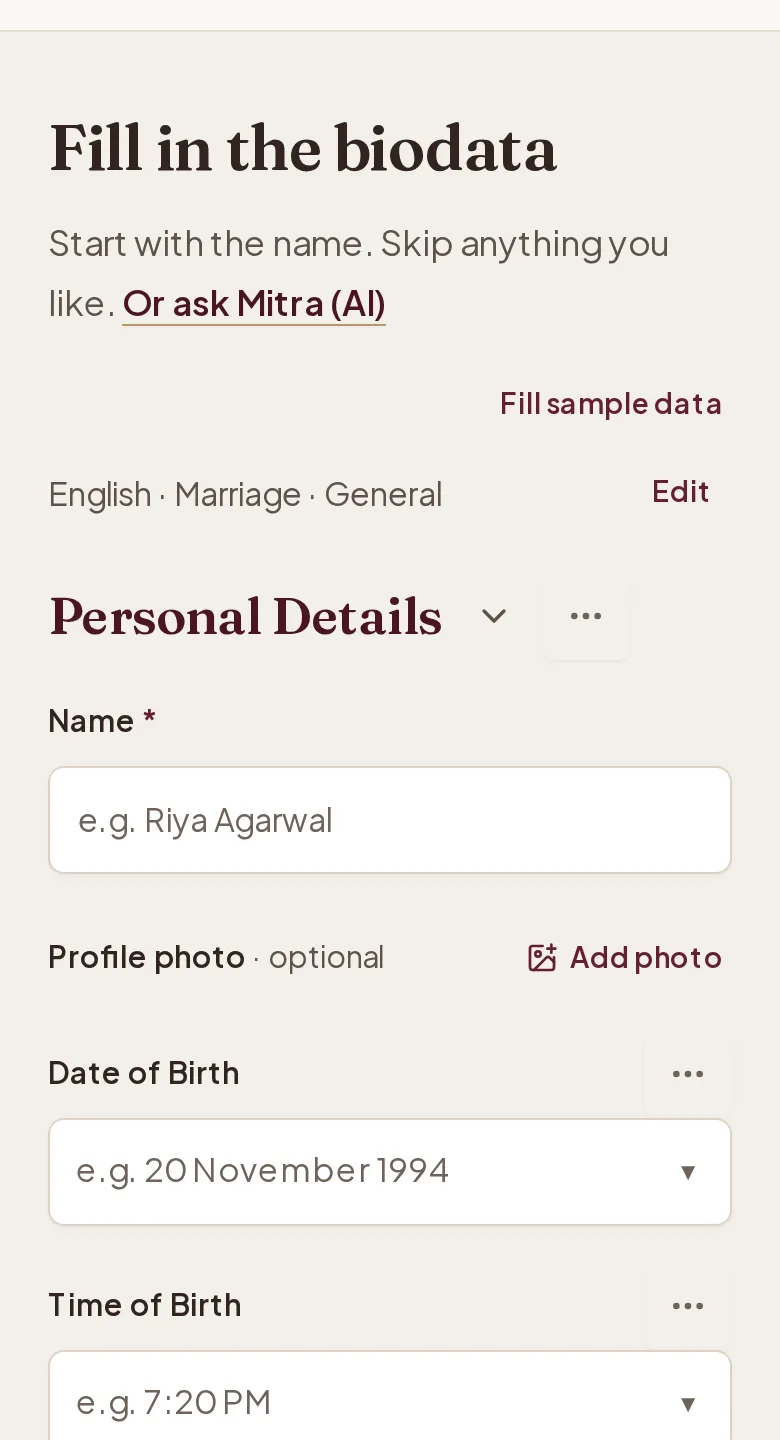
3. Fill the form
Type the details in plain, short lines. Write dates the way families read them (14 March 1997), height in feet and inches, and income as a yearly figure if you include it at all. Leave out anything you would not say at the first meeting.
The draft is kept in your browser as you type, so you can close the tab and come back to it on the same device.
4. Choose a design and add a photo
Every design is free. The picker shows your own details on each one, so you choose by how your biodata looks, not a stranger's. Floral and traditional covers have a photo frame; you can drag and zoom the photo inside it. For more photos, add a photo page at the end.
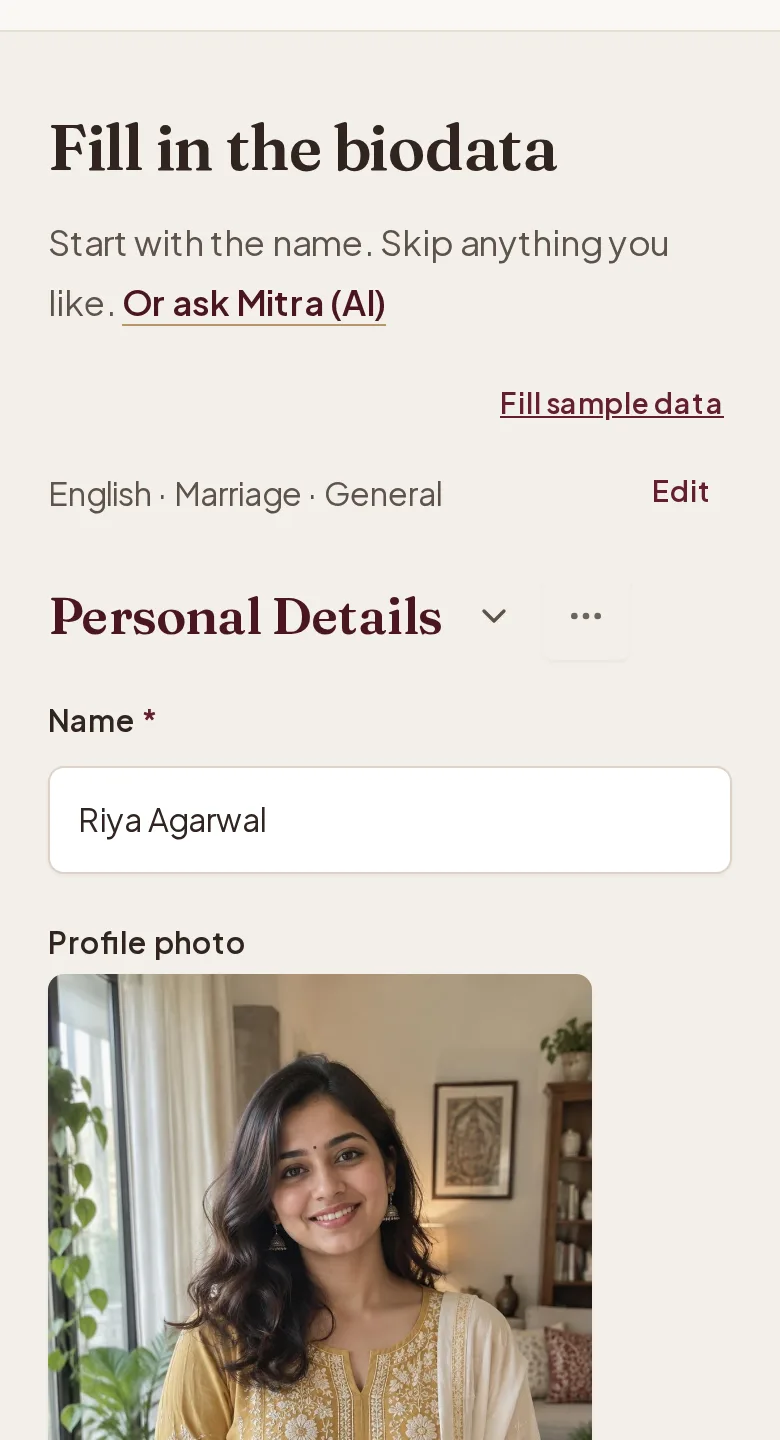
Tips on choosing the picture are in marriage biodata with photo.
5. Preview and download the PDF
Open the full preview and read every line once, slowly, the way the other family will. Then press Download Free PDF. The file is A4, prints cleanly and is small enough to send on WhatsApp.
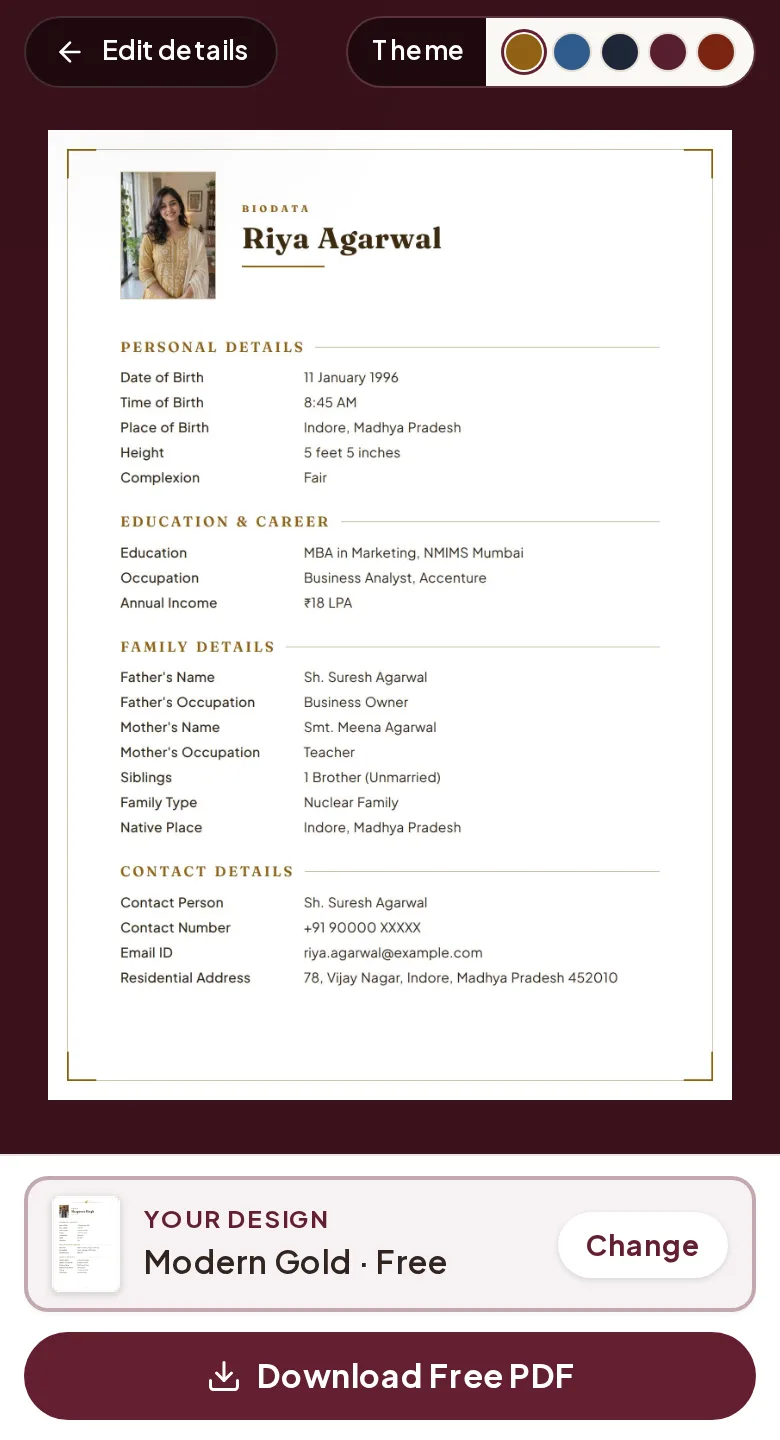
Changed your mind about a row later? Edit it and download again — every download is free.
Questions
How long does it take?
Most of the time goes into collecting the details from family. Typing them in is quick once you have them ready.
Do I need to sign up?
No. There is no login and no account. The draft stays in the browser you used.
Can I change it after downloading?
Yes. Open the site in the same browser, change any row and download again. Each download is free.
Can I make it in Hindi or another language?
Yes. Choose the language at the top of the form; every label on the sheet changes with it.
Is there a watermark?
No. The PDF carries only what you typed and the design you chose.
More guides
- Biodata formatThe sections in the order families read them, with every row explained once.
- What to writeRow-by-row wording: height, education, income, family, caste, contact — and what to leave out.
- Biodata with photoWhich photo to use, how it sits on the page, and adding more photos on a second page.
- Biodata samplesFinished biodatas for girls and boys, across communities — open the PDF or start from the same design.
- About me linesReady lines for the ‘about me’ and hobbies rows, for girls and boys, in English and Hindi.